Project
teardrop
A local image-processing system that rebuilds stills and GIFs from triangle meshes.
- Year
- 2026
- Role
- Creative coding, image processing, tool design
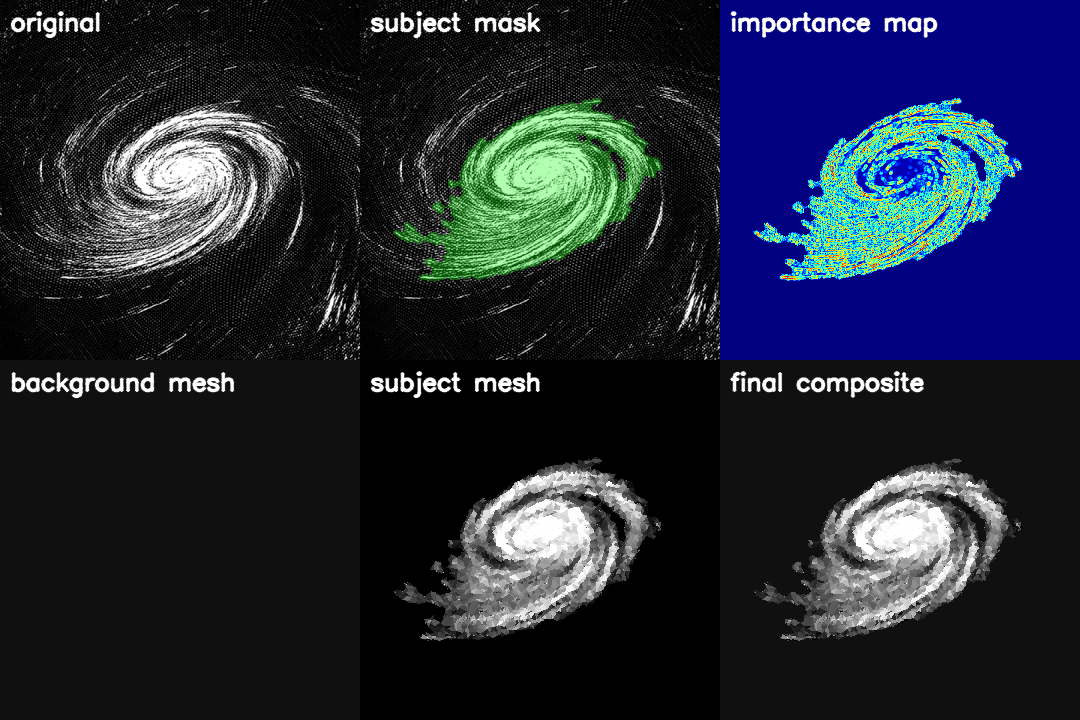
Teardrop is a local Python system for image obfuscation and stylisation. It finds the subject, measures where the image carries detail, and spends more geometry around those areas.
The starting point was the beetle on Massive Attack's Mezzanine cover. I wanted a way to keep the shape and mood of an image while breaking up the original detail.
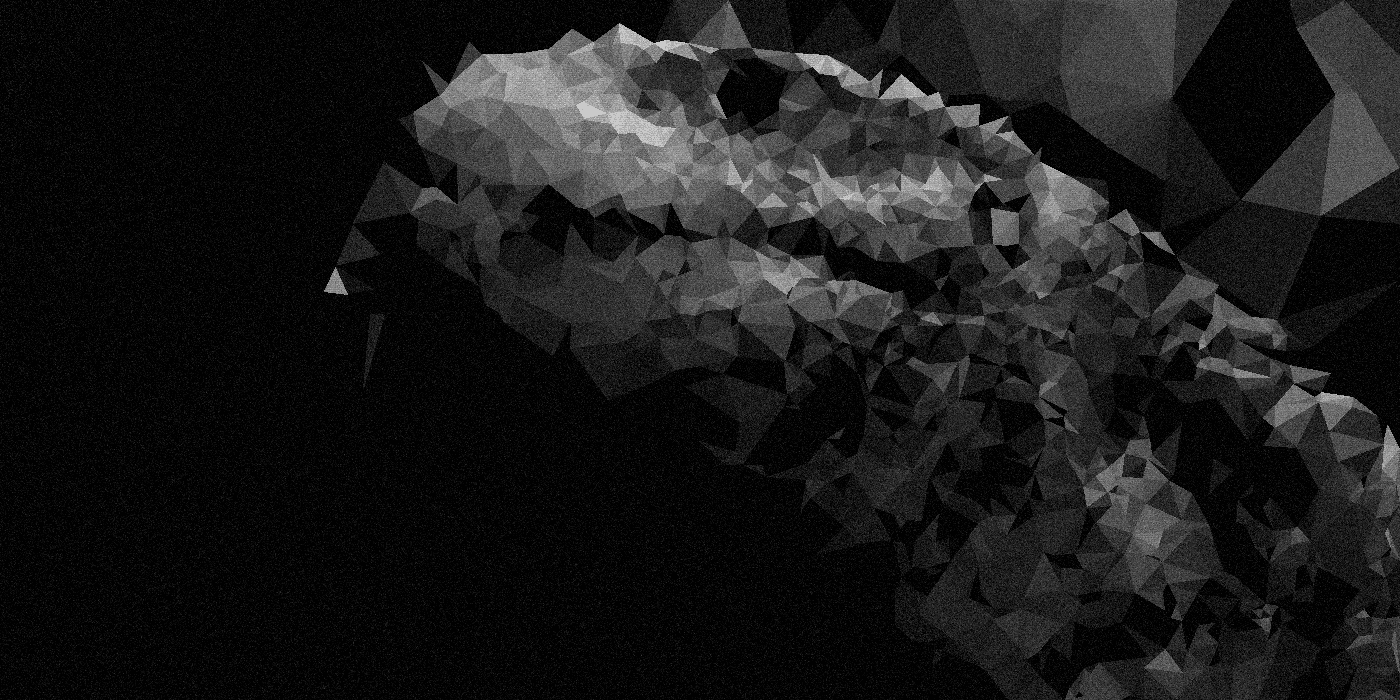
What it does
- Finds the main subject with a generated or prepared mask
- Builds an importance map from edges, corners, and local contrast
- Spends a fixed point budget across contours, details, and open areas
- Builds a Delaunay triangle mesh from those points
- Colours each triangle from the source image
- Adds optional tone, grain, texture, fracture, and vignette passes
The mesh can be sparse and rough or dense enough to hold small features. A fixed seed makes the same settings reproducible.
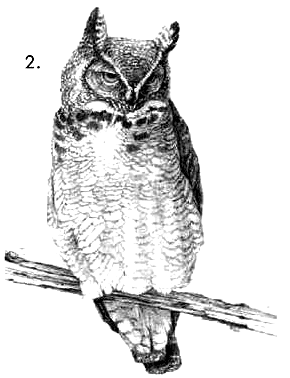
Source
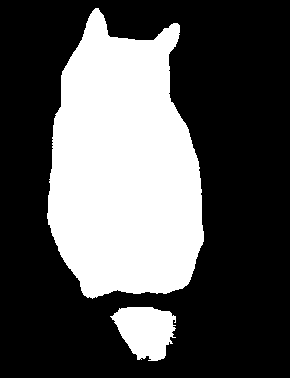
Subject mask
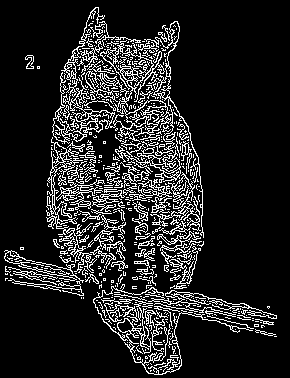
Edges
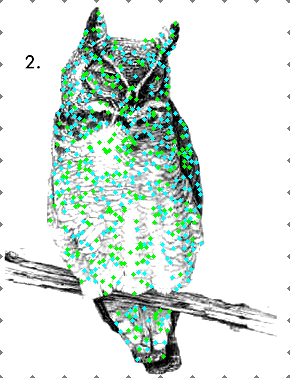
Sampling points
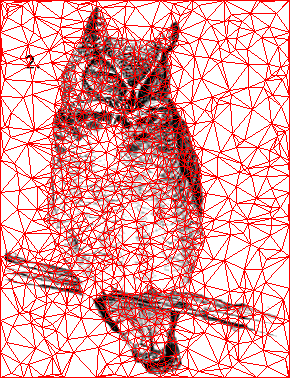
Triangulation
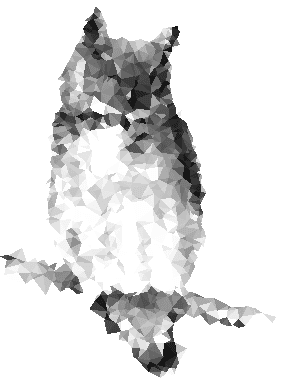
Final render
Every stage can be written to disk. A poor result can usually be traced to the mask, point plan, mesh, colour sampling, or style pass. Fixed seeds and saved masks also make runs easier to compare.
Mesh density controls how much structure survives. More triangles can preserve an eye or a fine outline, while fewer triangles produce a stronger abstraction. Recognisable silhouettes can remain, so the output does not guarantee anonymity.
Masks come first
Teardrop can use GrabCut, line-art detection, SAM2 prompts, a saved mask, or the whole frame. The mask sets the boundary where later stages spend their points. Saving a good mask makes the final work repeatable and allows manual correction.
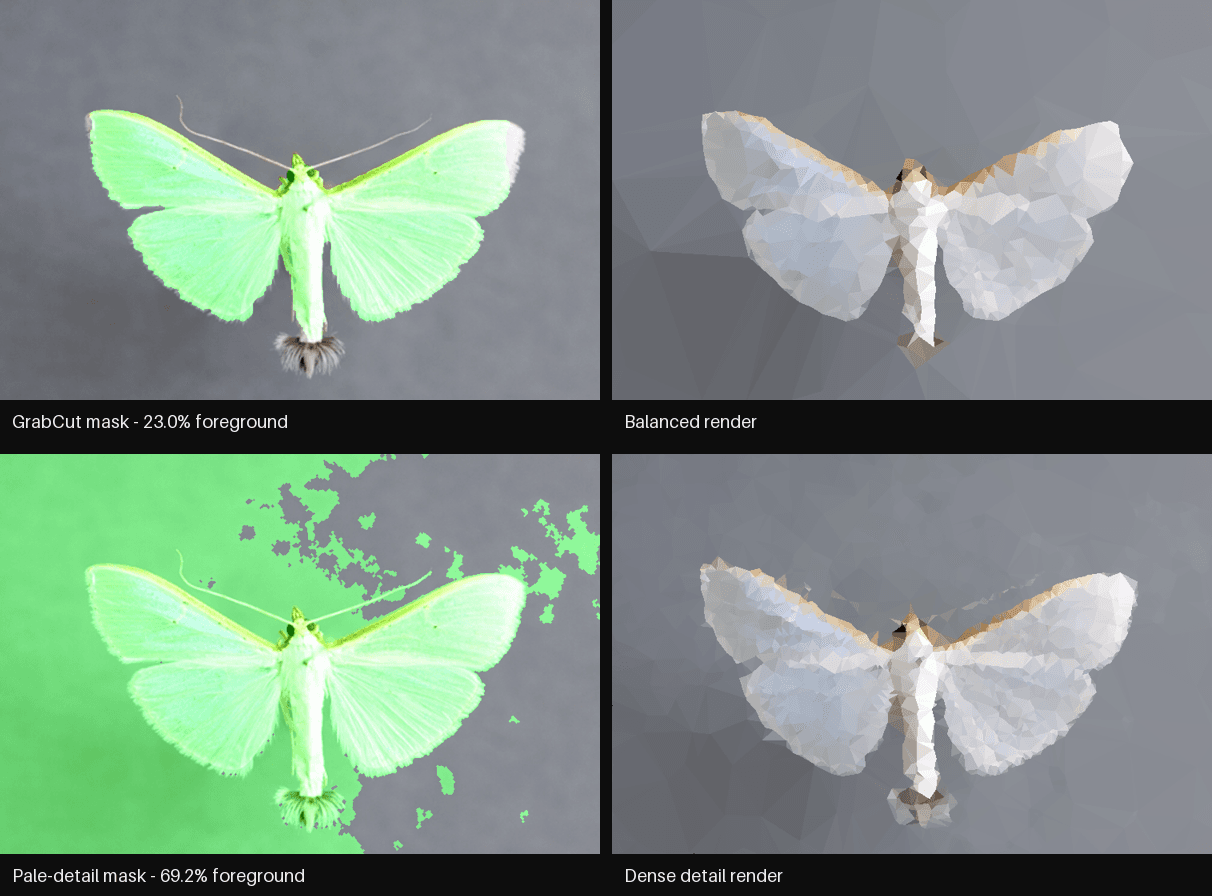
The moth shows why the order matters. Extra contrast and denser sampling recover faint detail, but they cannot repair an incorrect subject boundary. I check the mask first, then the point plan, and style the image last.
Animation
GIFs pass through the same pipeline frame by frame. Stable mode reuses the first frame's mask, sample points, mesh, and style seed. This keeps the geometry from flickering when the camera and subject stay in place. Frame timing and looping are kept in the exported file.
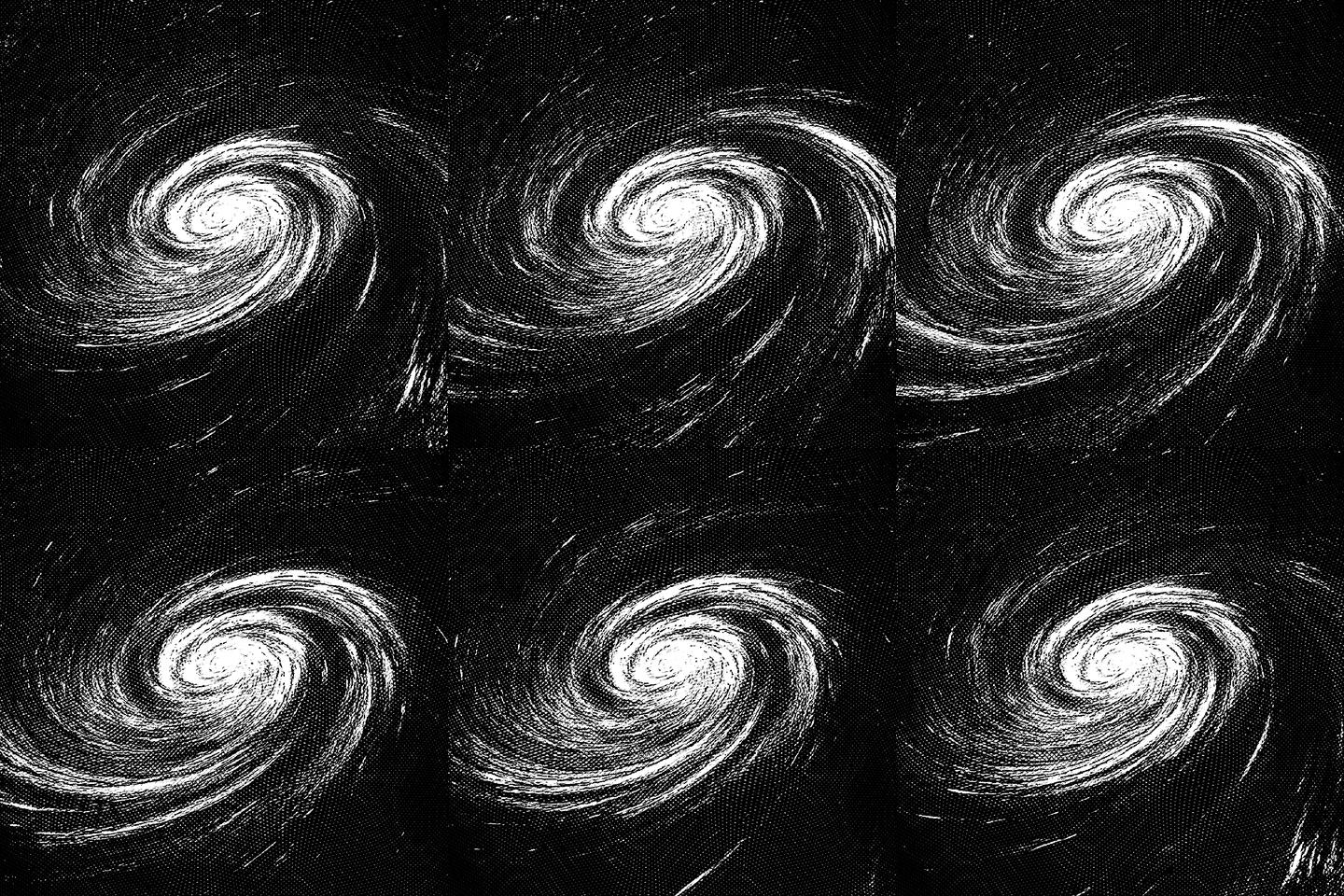
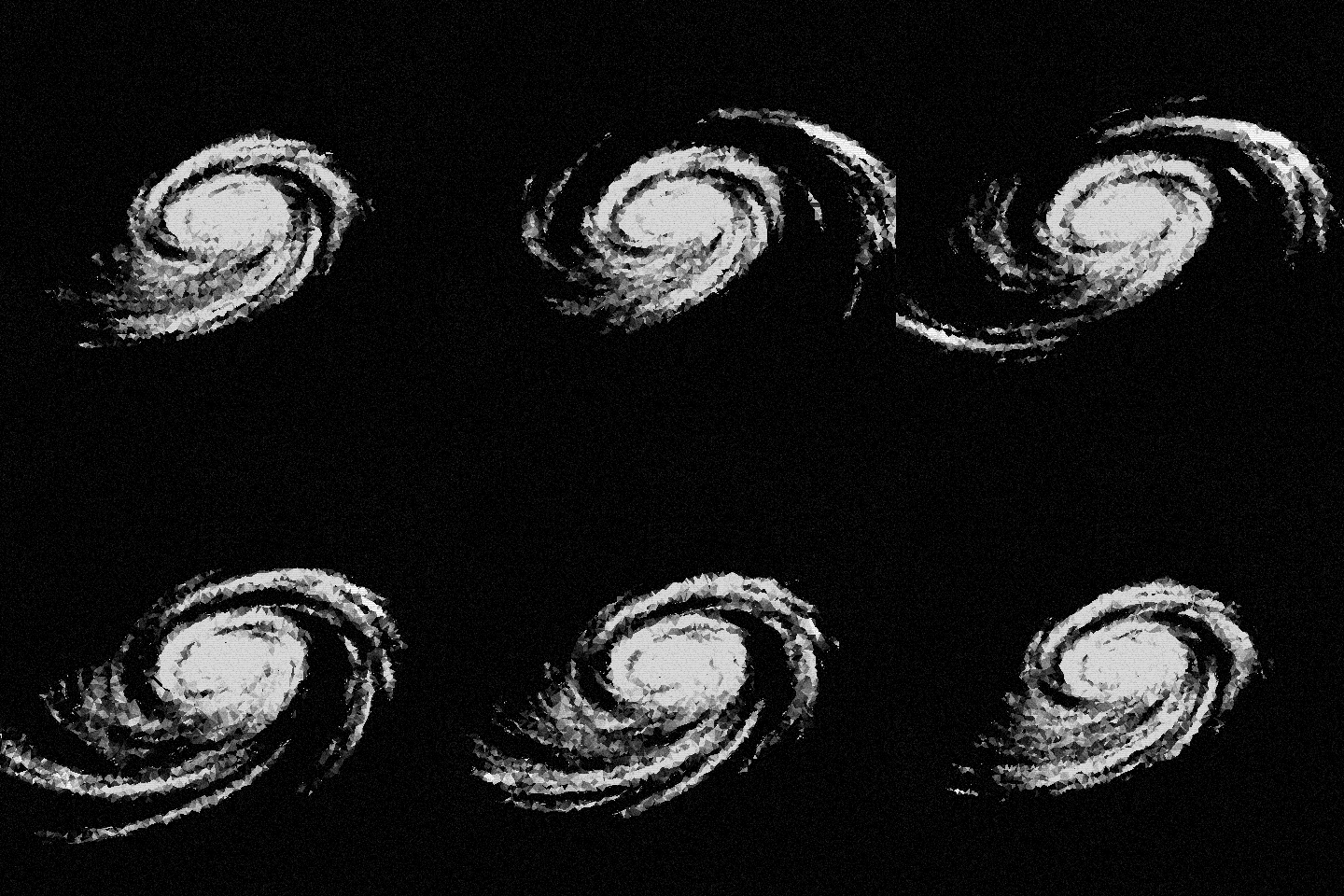
The preview takes every third frame from the 24-frame source. Its eight output frames keep the original 40 ms timing and infinite loop. The geometry remains fixed while each frame supplies new triangle colours.
Independent mode recalculates the mask and geometry for moving subjects, though the mesh can change visibly between frames. Stable mode works best with a fixed camera and centred composition. GIF export uses a shared 256-colour palette; APNG is available when smooth alpha and full colour matter.
Working with the tool
The command-line interface covers the full pipeline and works well for repeatable runs and batches. A small local browser interface handles the common workflow: upload an image or GIF, choose the mesh density and look, select a mask method, and export the result. Both interfaces save their work locally. Processing size and export size are separate, so a small working canvas can be enlarged without changing the mesh.
The project is written in Python with Pillow, OpenCV, SciPy, and Gradio. The source and usage notes are on GitHub.